
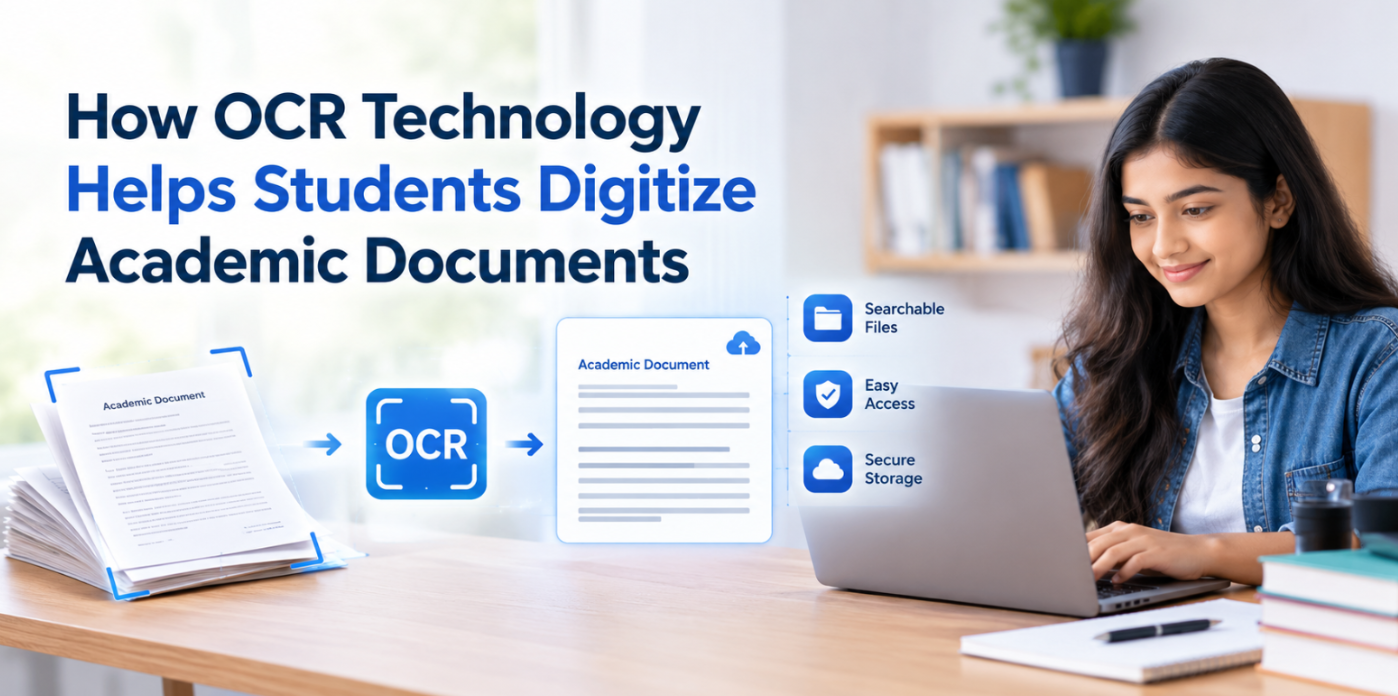
ImageToText.me is a website that offers various freemium tools, particularly for handling and processing images. These tools let you digitize paper-based documents, optimize image file sizes, or change image file types. Millions of people use the tools on this website every month, and a large number of them are students.
Students often deal with a lot of printed materials and images. Sometimes they need to digitize their notes, while others need to make non-editable files like PDFs editable. That is where Imagetotext.me assists well by offering various web utilities.
Imagetotext.me - Convert, Compress, or Digitize Images
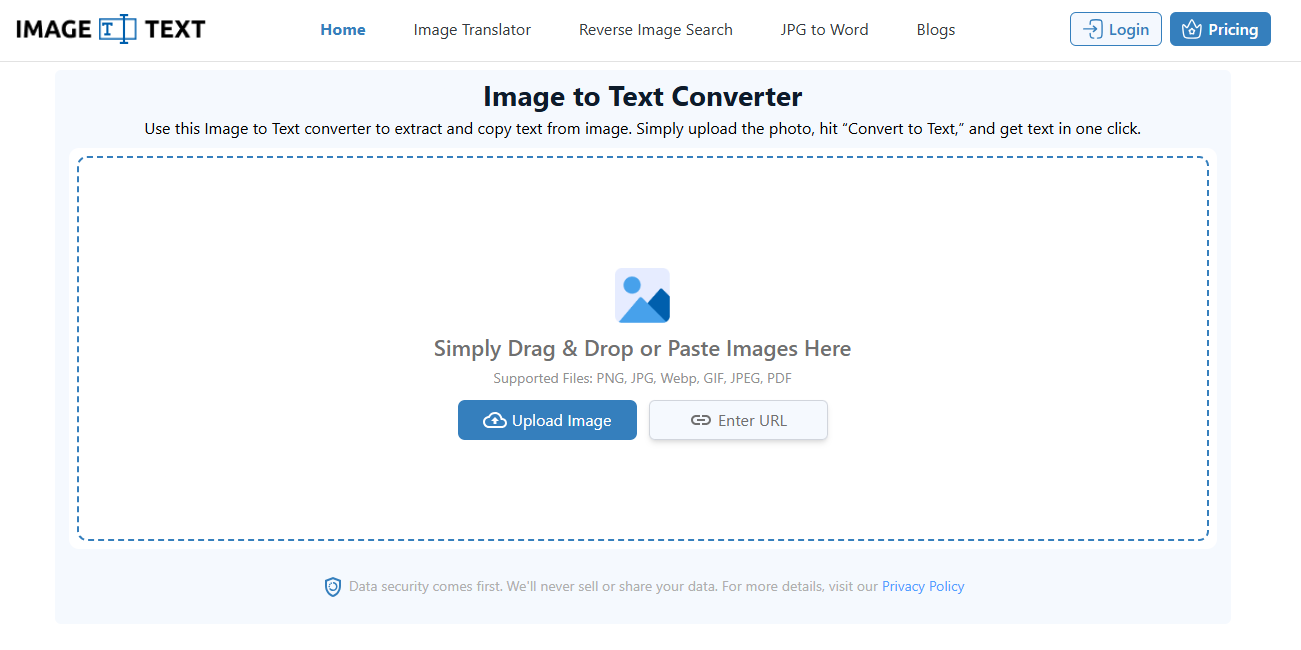
Address: https://Imagetotext.me
Imagetotext.me is a website you will hear about as one of the best OCR tools for converting text in images into digital text. Upon landing on this website, right on the homepage, you will find their image to text converter that is full of various features.
Besides their main image to text tools, this website offers various other free tools as well. Each helps handle and convert documents and images in a different way.
We learned about this website from a nearby school that digitizes over 1000 paper-based records of their students using Imagetotext.me. So we decided to review and explain how students can use it to improve their workflow.
Here are the main tools on the website that students can use to improve their workflow.
1. Handwriting to Text
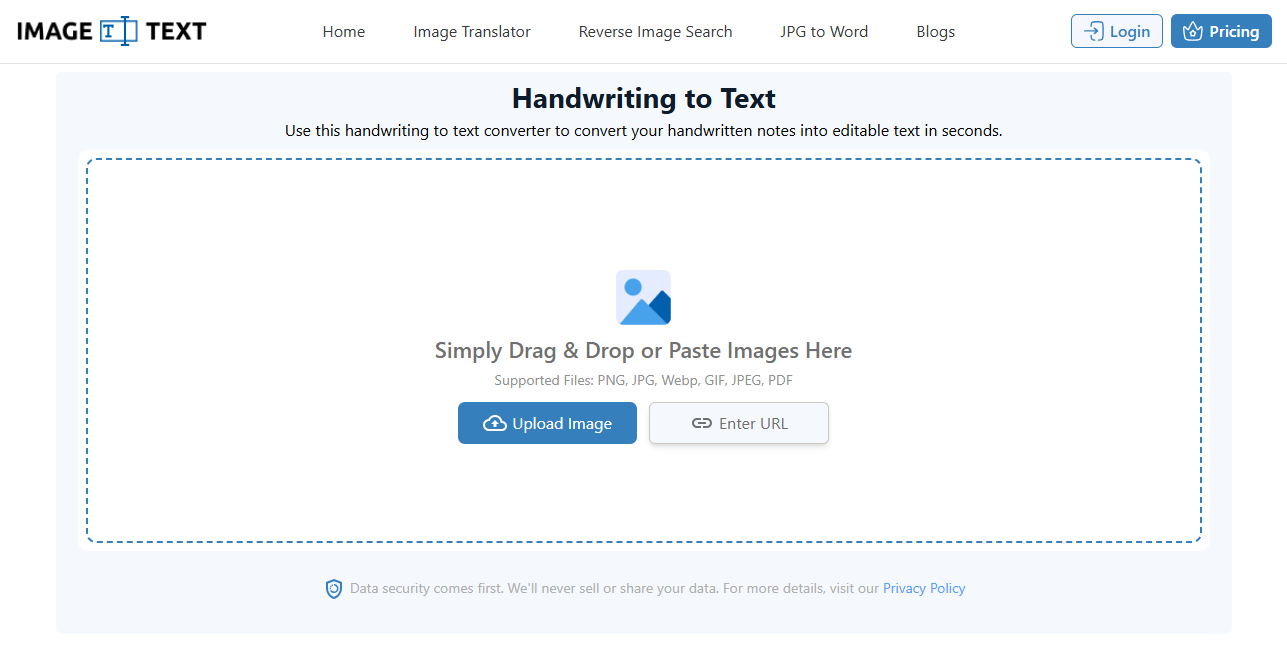
Address: https://imagetotext.me/handwriting-to-text
A common day-to-day problem for students, especially those doing scientific research, is organizing their handwritten notes and research data. That is where the handwriting to text converter by imagetotext.me helps them. Instead of carrying pages everywhere, they can create digital copies of their handwritten notes. All that is required is to:
Add images to the handwriting to text tool.
Convert them into digital text.
Download as PDF, TXT, and DOCX.
The entire process can be carried out for free using both desktop and smartphone devices. Once the text is digitized, students can easily store, edit, and share it as needed.
2. Image Translator
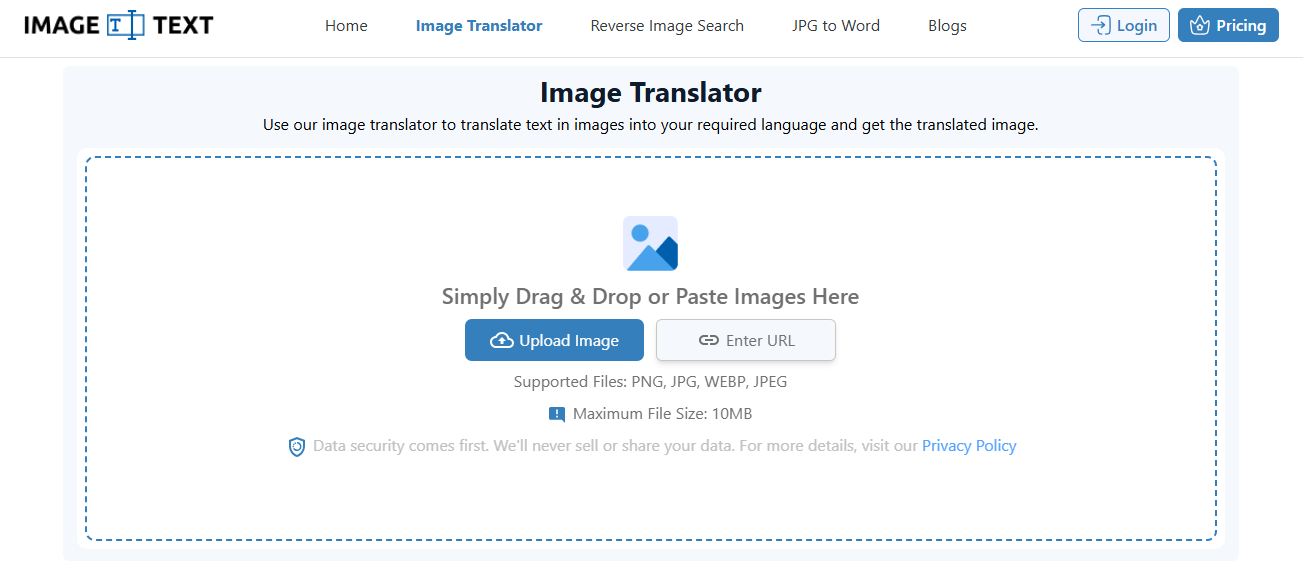
Address: https://imagetotext.me/image-translator
The image translator tool by imagetotext.me translates the text inside the image into your selected language among 150+ available options. This tool is helpful for foreign students whose coursework is in a country's local language that they are not proficient in understanding. They can easily make their study material understandable by translating images of it into their native language.
To translate text inside an image:
Add the image to the image translator tool
Select the output language
Click ‘Translate’
That’s it. Within seconds, you will get the same image with the same layout and design but with text in your chosen language.
Helpful, right?
3. PDF to Word
Address: https://imagetotext.me/pdf-to-word
Students often receive study material in PDF format. While PDFs are great for reading and sharing, editing them can be difficult.
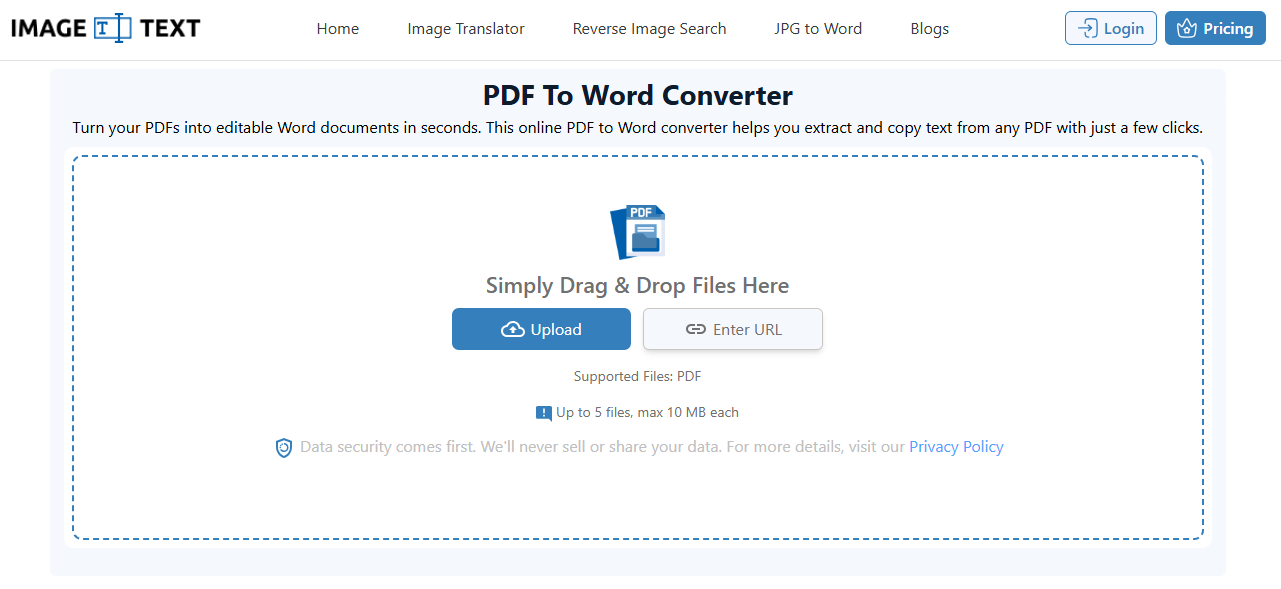
The PDF to Word converter by Imagetotext.me solves this problem by converting PDF files into editable Word documents. Students can use it when they need to edit lecture notes or reuse information from a PDF in their assignments. The process is simple:
Upload the PDF file to the PDF to Word tool.
Let the tool process the file.
Download the converted Word document.
Once the PDF is converted, students can open the file in Word and make changes as needed.
4. Image Compressor
Address: https://imagetotext.me/image-compressor
Students often need to upload images for schoolwork. They may need to add them to an assignment, form, or project. But large images can take more time to upload. Some websites also set a file size limit.
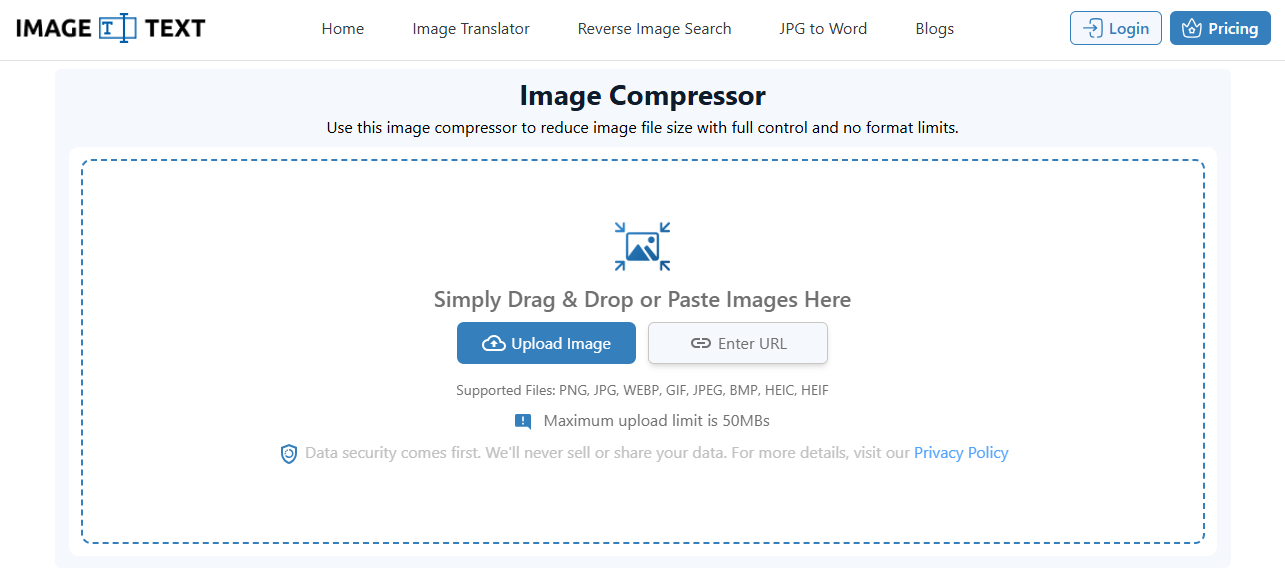
The Image Compressor by Imagetotext.me helps solve this problem. It makes image files smaller while keeping good image quality. This makes images easier to upload, send, and store.
To compress an image:
Add the image to the tool.
Let the tool compress it.
Download the smaller image.
That’s it. Students can now use the smaller image in their schoolwork. It can also help save space on their phones and computers.
What Perks Does Imagetotext.me Offer?
Imagetotext.me offers many perks to users. Here are the notable ones we noticed:
Free tools usage
Accepts bulk submissions
Accepts input from public URLs
Free downloads with no watermarks
Fully secure
Multiple download formats, i.e., PDF, TXT, and DOCX
Sum Up
Students deal with many files and notes every day. This can make simple tasks take more time. Imagetotext.me makes these tasks easier with its useful online tools.
Students can turn handwritten notes into text, translate study material, edit PDF files, and reduce image sizes. Most tools are simple to use and work on both phones and computers.
So, students can spend less time on file work and more time on their studies.




.webp)
.webp)