
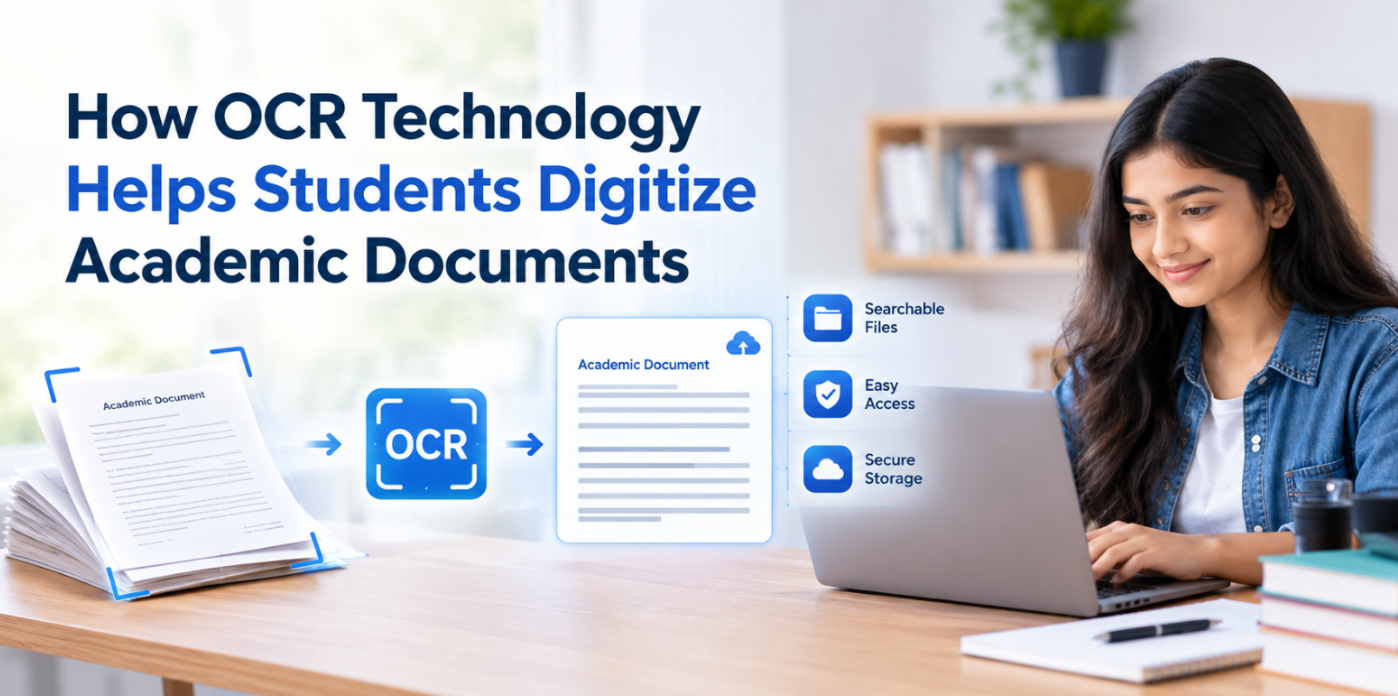
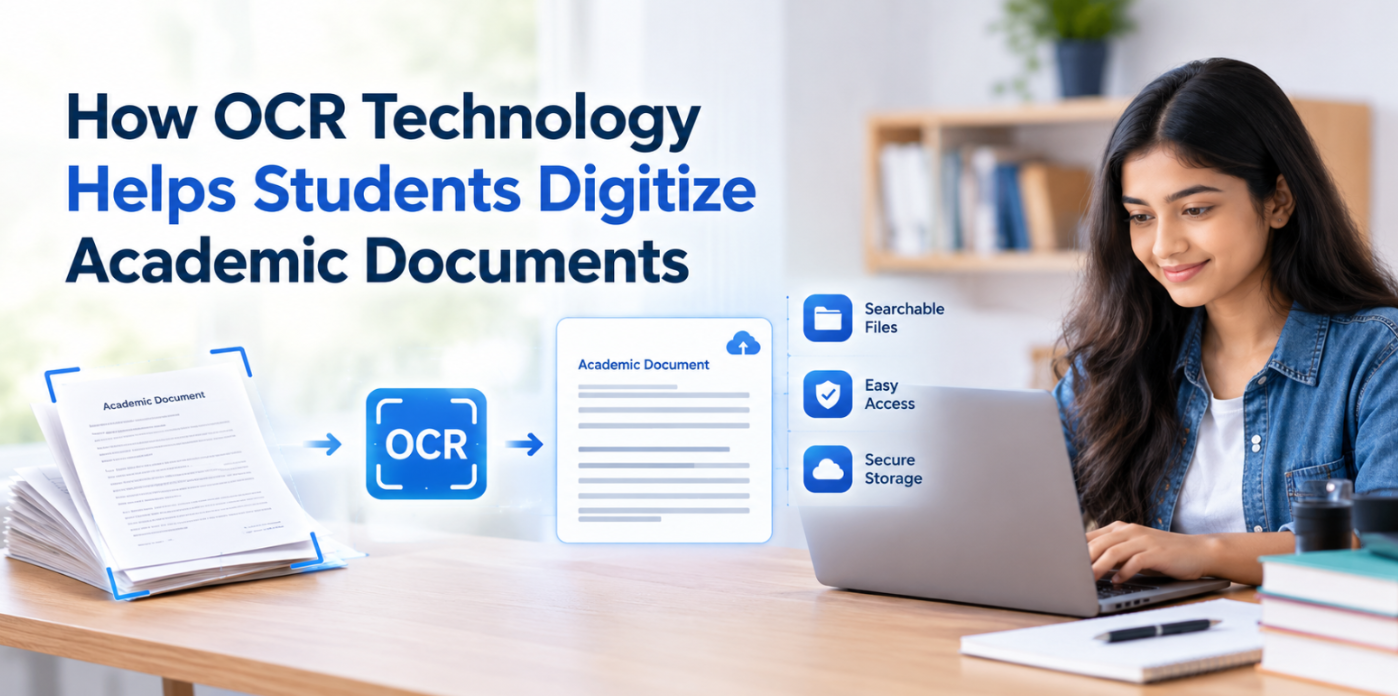
Students use many types of study materials, such as books, notes, theses, dissertations, journal articles, and printouts. Yet most of them today come in digital form. They also use printed pages, scanned materials, and handwritten notes that are harder to search, edit, and organize.
OCR technology offers a simple way to solve this problem. It helps students turn printed text into digital text. As a result, they can save time, edit their notes, and manage their study materials with ease.
What Is OCR Technology?
OCR stands for Optical Character Recognition. It is a technology that reads text from images and scanned documents. It then turns that text into digital content that users can copy, edit, and search.
For example, a student may take a photo of a textbook page. OCR technology reads the words in the image and turns them into editable text. Students can then copy and save this text in a document.
How Does OCR Technology Work?
OCR technology analyzes documents to identify text and convert it into editable text. The process generally involves several stages.
Image Preprocessing: OCR enhances the image to make the text more discernible, which involves skew correction and noise reduction or contrast enhancement.
Text Detection: It locates the text regions and separates the text from other objects.
Character Recognition: OCR reads the shapes of characters, numbers, and symbols to distinguish them.
Text Reconstruction: The recognized characters are arranged into words, lines, and paragraphs based on their positions in the document.
Digital Text Output: The OCR engine transforms the image into text that is searchable and that you can often copy or edit.
Students can apply this technology to their academic materials to digitize their documents. A free online OCR converter leverages this technology to extract text from images and scanned documents. Making it easier to copy and reuse information in digital notes.
Depending on the tool, students may be able to copy the extracted text or download it. The download formats can vary with the OCR tool you are using. Some offer to download the converted text as plain text, while some offer other formats like PDF and DOCX as well.
How OCR Helps Students Digitize Documents
There are different ways OCR technology helps students digitize academic documents. Here are some common ways students can use the technology for document digitization.
1. Digitize Handouts
Students often take notes during lectures. At higher education levels, these notes are crucial. To store and organize them well, many consider digitizing them. However, doing manual typing for such digitization is hectic and time taking.
OCR simplifies this by eliminating the need for typing. Students can digitize handouts and class notes, whether handwritten or printed, using an OCR tool. All that is required is to run the images of the notes through an OCR tool.
2. Digitize Textbooks
In some fields of education, the cost of textbooks is too high, while in others, they are not available in sufficient quantity. Students often borrow such books from their seniors and libraries. With OCR, they can convert clear images of textbook pages into digital text. This helps them collect useful information without typing every word by hand.
3. Make Documents Searchable
Finding a specific topic in a large document can take time. Students may need to check many pages before finding the right information. OCR can turn scanned pages into searchable text. Students can then search for words, names, or topics instead of reading every page.
Key Benefits of OCR Technology for Students
OCR offers several useful benefits in daily academic work.
Students spend less time typing printed text.
Digital notes are easier to store and manage.
Students can find key terms in searchable documents.
Students can share digital notes when sharing is allowed.
Collect useful study material in one place.
Contribute to the environment by going paperless.
Best Practices for Using OCR in Academic Work
Students can get better results by following a few simple tips.
Use clear images with good lighting.
Keep the page flat and straight.
Choose the correct language before starting.
Check the text after conversion.
Keep a copy of the original document.
Cite the original source when using its information.
Follow school or university rules when using digital tools.
These steps can help students avoid mistakes and keep their academic work accurate.
Conclusion
OCR technology helps students turn printed notes, books, and research papers into digital text. It saves time and makes study materials easier to search, edit, and manage.
However, OCR tools can make mistakes. Students should always check the results before using them in their work. When used with care, OCR can make studying easier and help students keep their academic documents in order.






.webp)