

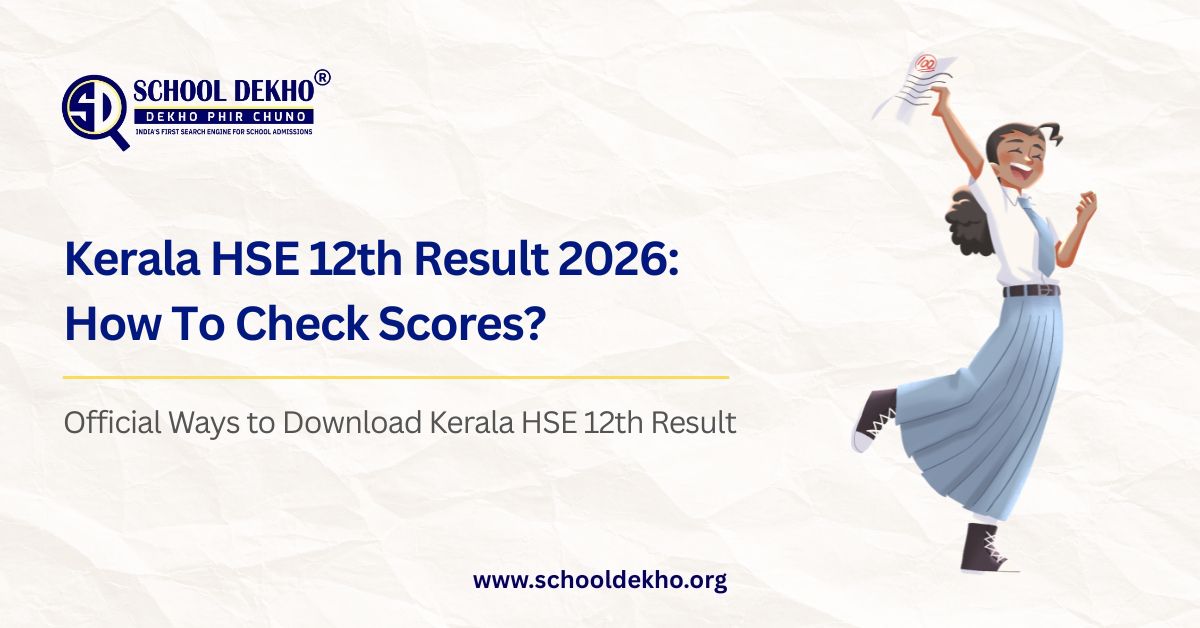
Kerala HSE 12th Result 2026: How To Check Scores?
The wait is almost over. The Kerala DHSE will declare the
Class 12 (HSE) results for 2026 today, May 26, at 3:00 PM. Over 4.5 lakh
students can finally check their much-anticipated scores. Whether you're
planning for university admissions or exploring career paths, your scorecard is
the essential first step. This guide covers every official method to access
your scorecard, from the primary websites to fast offline options like SMS and
WhatsApp.
Kerala HSE 12th Result 2026
We've summarised the essential information you need to get
started in the table below.
|
Detail |
Information |
|
Exam Conducting Body |
Directorate of Higher Secondary Education (DHSE), Kerala |
|
Exam Dates |
March 6 – March 28, 2026 |
|
Result Date & Time |
May 26, 2026, at 3:00 PM |
|
Official Websites |
keralaresults.nic.in, dhsekerala.gov.in |
|
Login Credentials |
Registration Number & Date of Birth |
|
Total Students Appeared |
Over 4.5 lakh students |
Important Notice for Gulf Students: For students
registered at Gulf centres, note that physical exams were cancelled this year.
Your result will be prepared based on internal assessments and school term
examination performance.
Official Ways to Download Your Kerala HSE 12th Result 2026
You can access your result through three official channels:
the primary website, the DigiLocker platform, or mobile apps.
Method 1: Check via Official Website (Recommended)
This is the most direct way to access your detailed
scorecard. Due to high traffic, we recommend having your details ready and
trying all the listed official websites.
- Visit
any of the official DHSE result portals. The primary and most reliable
sites are keralaresults.nic.in and dhsekerala.gov.in. Other
active mirrors
include results.kite.kerala.gov.in and results.kerala.gov.in.
- On
the homepage, locate and click the active link titled “Kerala DHSE
Plus Two Result 2026” or a similar variation.
- A
login page will appear. Enter your Registration Number and Date
of Birth exactly as provided on your hall ticket.
- Double-check
the entered details and click the “Submit” or “Get
Result” button. Your complete marksheet will be displayed on the
screen.
- Thoroughly
verify all details on the digital marksheet, such as your name,
subject-wise marks, and qualifying status. Once verified, download
the PDF and take a printout for future use.
Method 2: Retrieve via DigiLocker (For Secure Storage)
The government's DigiLocker platform provides easy access
and secure, lifelong digital storage for your academic documents.
- Open
the DigiLocker app on your smartphone or visit the
official website at digilocker.gov.in.
- Sign
in using your registered mobile number. This number should
ideally be linked to your Aadhaar card for seamless verification.
- Navigate
to the "Education" section and search for “Directorate
of Higher Secondary Education (DHSE)” or “Kerala Class
12th Result” in the list of issuing organizations.
- Select
the relevant document type, enter your Registration Number and Date
of Birth, and submit.
- Your
digital marksheet will be fetched and displayed. You can then save
it securely to your DigiLocker account for future access and
verification.
Method 3: Use Mobile Apps & Quick Services (For Speed & Convenience)
For quick access, especially if official websites are slow,
use one of these dedicated mobile apps or services.
- SAPHALAM
2026 App: This is the official app from KITE (Kerala Infrastructure
and Technology for Education). Download it from the Google Play Store,
open it, and select the “Plus Two Result 2026” option.
Enter your registration number and date of birth to view your result.
- PRD
Live App: You can also check your result through this official public
relations department app. Look for the “Kerala HSE result” link
and follow the instructions.
- Via
WhatsApp: To get your result directly on WhatsApp, simply send the
message “RESULT” to the official number 9188619958.
Follow the automated prompts by entering your registration number and date
of birth to receive your scorecard as a PDF.
How to Get Your Scores Offline: A Step-by-Step SMS Guide
If you have limited internet connectivity, you can still get
your scores instantly through the SMS service.
- Open
the standard SMS messaging app on your mobile phone.
- In
the compose message field, type the keyword KERALA12, followed by a
space, and then your Registration Number.
- Send
this text message to the number 56263.
- Within
moments, you will receive a reply SMS containing your subject-wise marks
and overall result status.
Understanding Your Provisional Marksheet
When you first access your result, it is a provisional
marksheet. It's crucial to carefully verify all the information it contains.
- Details
to Check: Ensure your name, roll number, date of birth, and
parent/guardian's name are all spelled correctly and match your school
records.
- How
to Read Scores: The marksheet displays your subject-wise
theory and practical marks, total score, grade obtained, and your
final qualifying status (Pass/Fail).
- Grading
System: DHSE Kerala uses a 9-point grading system (A+
to E) to evaluate your performance.
- Passing
Criteria: To pass the Kerala HSE exam, you must secure a minimum
of 35% marks in each subject as well as overall. This corresponds to a
grade of D or above.
What to Do If You're Not Satisfied with Your Scores
If you believe your marks do not reflect your effort, you
have the option to apply for a re-evaluation. The process is thorough to ensure
fairness.
- Application
Process: You can apply online through the official DHSE portal
shortly after the results are declared.
- Fees: The
fee for revaluation is INR 500 per subject. There are also
separate fees for obtaining a photocopy of the answer sheet (approx. INR
300) and for scrutiny (approx. INR 100).
- Important
Note: The marks awarded after revaluation are final.
This means your score could increase, decrease, or remain the same. The
new score will be binding and reflected on your final marksheet.
What Next? Charting Your Path After the Results
Your 12th results are a significant milestone, opening up
numerous paths for your future. Your next steps will largely depend on your
chosen stream.
- Science
Stream: You can prepare for engineering entrance exams like JEE
Main, medical entrance exams like NEET, or pursue a B.Sc. degree in a
subject of your choice.
- Commerce
Stream: Popular choices include a B.Com degree, the CA (Chartered
Accountancy) course, a BBA, or other finance-related
certifications.
- Arts/Humanities
Stream: You can explore a B.A. (Bachelor of Arts) in
subjects like Economics or Sociology, pursue law (via CLAT), journalism,
or other professional diplomas.
The most important step is to take a moment to identify your
interests and research the career scope of different fields. Seek guidance from
mentors and choose a path that aligns with your strengths, not just the crowd.
Final Thoughts from a Senior
Over the last decade, I’ve seen that the digital tools for
accessing results have expanded, but the core emotions remain the same—the
flutter of anxiety before the page loads, the joy, the introspection. The key
to mastering result day is simple: stay calm and prepared. Keep your
registration number handy, have a backup website or two saved, and make sure
your phone is charged for DigiLocker OTPs. But remember, this scorecard is a
starting line, not the finish. It helps you decide your first step,
but the journey ahead is long, with plenty of room to pivot, learn, and grow.
Wishing you the very best for your results!
Quick Links to Official Portals:
- Primary
Websites: keralaresults.nic.in | dhsekerala.gov.in
- Alternative
Websites: results.kite.kerala.gov.in | results.kerala.gov.in
- DigiLocker: digilocker.gov.in
Related Posts
-

12 Ways to Increase Admissions in School (A 2027 Guide)
09 Oct-2026, 03:51 PM -

Can You Take Admission in Class 12 in Another School in India?
09 Oct-2026, 03:27 PM -
SC Extends CBSE 3rd Language Exemption to Class 6
28 Sep-2026, 10:57 PM -
Who Can Be a Co-Applicant for an Education Loan in India?
14 Sep-2026, 09:46 PM -
AI in Education: A Complete Guide for Students and Parents (2026)
14 Sep-2026, 04:40 PM
Search
Latest Posts
-
12 Ways to Increase Admissions in School (A 2027 Guide)
09 Oct-2026, 03:51 PM -
Can You Take Admission in Class 12 in Another School in India?
09 Oct-2026, 03:27 PM -
SC Extends CBSE 3rd Language Exemption to Class 6
28 Sep-2026, 10:57 PM -
Who Can Be a Co-Applicant for an Education Loan in India?
14 Sep-2026, 09:46 PM -
AI in Education: A Complete Guide for Students and Parents (2026)
14 Sep-2026, 04:40 PM
.webp)
.webp)